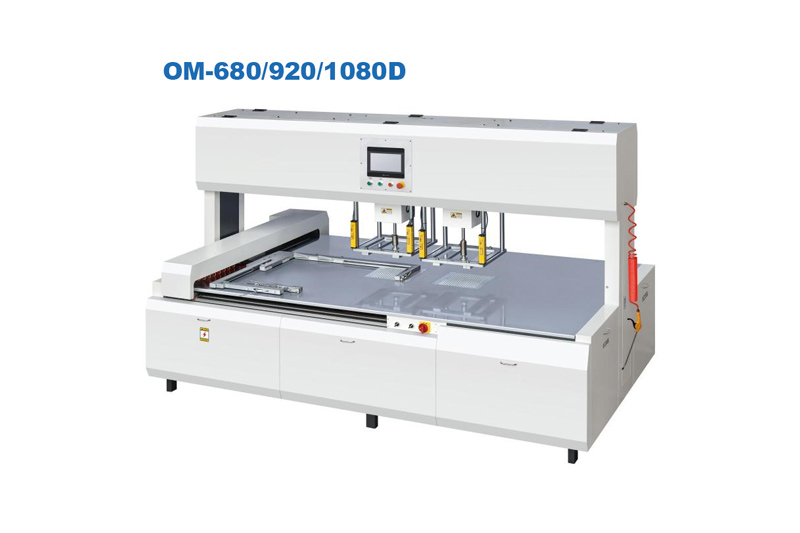
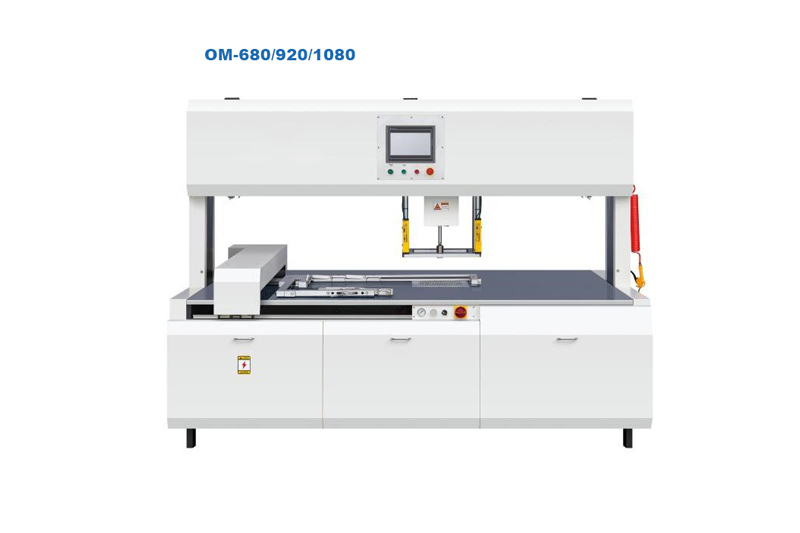
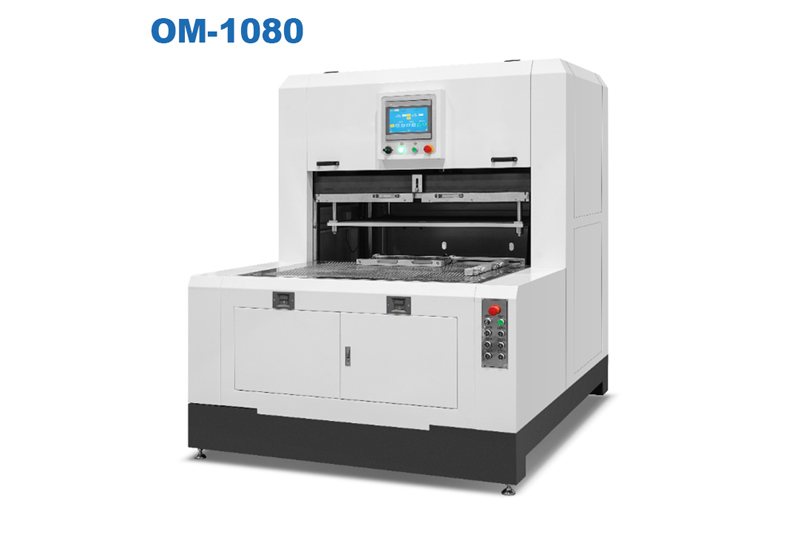
The sheet comes out of the die cutter. You glance at it—and feel that familiar frustration. Instead of cleanly separated cartons sitting in a neat stack, the waste matrix is still clinging to the finished pieces. Some cartons tore instead of ejecting. Others are still attached by stubborn nicks that should have broken.
You adjust the pressure. Nothing changes.
You slow the machine down. Same result.
Another hour of production lost. Another batch of cartons that needs hand-finishing by someone with a pair of tweezers and a lot of patience.
Stripping failures are one of the most common complaints I hear from packaging producers. But here's the thing most operators get wrong: the problem is rarely the stripping pins. It's almost always something upstream.
Before we fix anything, let's name what you're seeing. Stripping failures usually show up as one of four specific symptoms:
| Symptom | What You See | Most Likely Cause |
|---|---|---|
| Waste hangs on | The surrounding waste stays attached to cartons after stripping | Insufficient stripping pin force or incorrect pin placement |
| Cartons tear | Finished pieces rip during ejection | Too much stripping force or fragile carton geometry |
| Partial separation | Some nicks break, others don't | Inconsistent cutting depth across the sheet |
| Waste jams | Stripped waste gets stuck between pins or on the sheet | Waste matrix too flexible, or pins too far apart |
Each symptom points to a different root cause. Treating them all the same way—"just add more pressure"—usually makes things worse.
Here's a truth that surprises many operators: Stripping can't fix what cutting didn't finish.
If your die doesn't cut completely through the waste matrix in every location, the stripping pins are pushing against material that's still attached. Something has to give—and it's usually the carton, not the waste.
How to check: Run a sheet, but stop the machine before stripping. Examine the waste matrix under good light. Look for uncut bridges or partial cuts. If you see any, your cutting depth or die rule height is inconsistent.
The fix (without buying new tooling):
Check your cutting plate for wear. A worn plate in one area will create shallow cuts.
Verify the die is mounted flat. Even a 0.2mm tilt changes cutting depth across the sheet.
Run a "kiss cut" test on scrap: light pressure that just marks the surface. If the mark isn't even across all four corners, your platen parallelism is off.
A production manager I worked with spent three days chasing stripping failures on a pharmaceutical carton job. The waste kept hanging on the same corner of every sheet. The solution? A 0.3mm shim under one corner of the cutting plate. The die had been slightly tilted the entire time.
Stripping pins aren't magic. They push waste up while the carton stays down (or vice versa, depending on your machine). For that to work, the pins need to hit the waste matrix—not the carton.
The most common mistake: Placing stripping pins too close to the carton edge. When the pin pushes up, it catches the carton instead of the waste. The result? Torn carton edges or no waste separation at all.
The fix:
Run a sample sheet through the stripping station with the machine off. Mark exactly where each pin contacts the sheet.
Verify that every pin lands on waste area, at least 3-5mm away from the carton perimeter.
For complex shapes with narrow waste bridges, you may need smaller-diameter pins or a different stripping configuration.
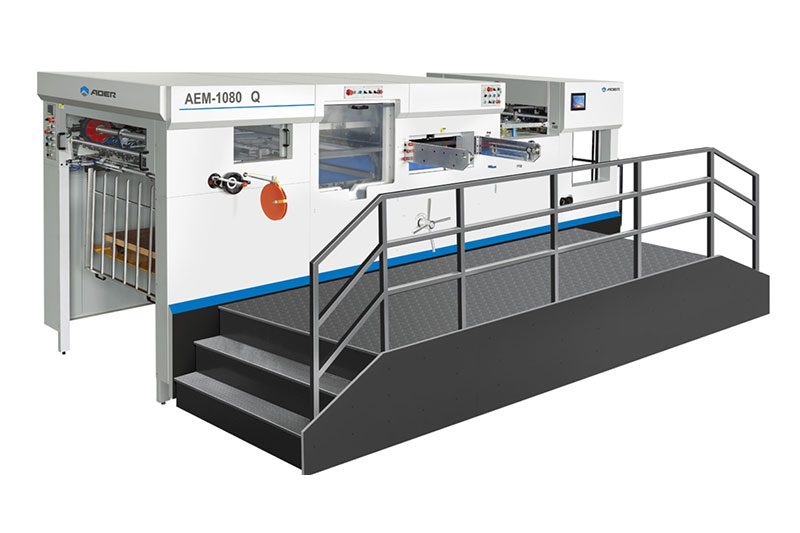
Some automatic die cutting systems allow you to reposition stripping pins without removing the entire tooling setup. That flexibility matters when you run mixed carton geometries.
Not all waste matrix behaves the same. Here's what I've learned from watching shops struggle with different substrates:
Thin paperboard (under 300gsm): Waste is floppy. It flexes rather than breaking cleanly. Stripping pins can push through it without separating.
Heavy chipboard (over 600gsm): Waste is stiff. It resists bending, which is good for separation—but if your pins aren't strong enough, nothing moves.
Corrugated: The flutes create a natural hinge. Waste often folds instead of ejecting. Requires more aggressive stripping (or a different approach entirely).
The fix: Match your stripping approach to your material.
| Material | Recommended Stripping Setup |
|---|---|
| Thin paperboard | More pins (to catch floppy waste at multiple points) + slower stripping speed |
| Medium board (300-600gsm) | Standard pin configuration—usually works |
| Heavy chipboard | Fewer, heavier pins + pneumatic assist if available |
| Corrugated | Serrated stripping pins or a "break before strip" sequence (common on advanced machines) |
On automatic die cutters, stripping happens in a specific sequence relative to the cutting stroke. If that timing drifts, the waste isn't fully separated when the pins activate.
What to check:
Is the stripping station activating after the die has fully retracted? If it activates too early, the die is still holding the waste in place.
Is the blank ejection (if you have it) happening after stripping, not during?
This is surprisingly common on older machines or after maintenance. A timing belt that slipped by one tooth can throw off the entire sequence.
The fix: Consult your machine manual for the timing verification procedure. Most have a simple mark-alignment check. If you don't have the manual, run a slow-motion test: watch the stripping pins relative to the die movement. They should activate only after the die is completely clear.
Let me be direct about something: Some stripping problems are design limitations, not operator errors.
If you're running heavy volumes of complex cartons (multiple internal cutouts, narrow waste bridges, or tricky materials), a standard die cutter with basic stripping may never work well—no matter how perfectly you set it up.
The features that actually fix stubborn stripping issues:
Adjustable stripping pin pressure (not just on/off)
Programmable stripping sequence (pin activation timing relative to die movement)
Blank knock-out tools (for fully separated cartons)
Waste conveyor integration (so removed waste exits cleanly)
You can review automatic configurations with advanced stripping controls that include these features. For shops running problem materials or complex geometries, the upgrade from basic stripping to programmable systems often pays for itself in reduced hand-finishing labor within months.
Next time you hit a stripping failure, don't start by adjusting pressure. Run this checklist in order:
Step 1: Is the cut complete?
Pull a sheet before stripping. Examine the waste matrix. Any uncut areas? Fix cutting depth first.
Step 2: Are pins hitting the right place?
Mark pin contact points. Are they on waste only? Reposition any pins touching cartons.
Step 3: Is the material appropriate for your stripping method?
If you're running corrugated on a machine designed for thin board, you're fighting physics. Consider alternative stripping tools (serrated pins, air assist).
Step 4: Is timing correct?
Verify stripping activates after die retraction, not during.
Step 5: If all else fails, reduce stripping force and increase pin count
More pins at lower force often works better than fewer pins hammering hard.
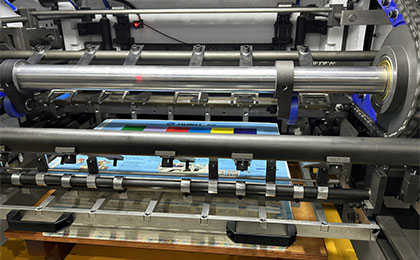
Here's a number that got my attention during a recent plant visit. A mid-sized folding carton operator was running 20,000 sheets per shift on a die cutter with intermittent stripping failures. About 8% of sheets needed manual waste picking—operators standing at a table with picks, clearing waste by hand.
That 8% added 45 minutes of labor per shift. Across three shifts, five days a week, that's over 11 hours of hand-stripping every week. At 25/hour,that′s25/hour,that′s14,300 per year for a job that adds zero value.
And that's just the labor. It doesn't count the production slowdown (the machine waiting for stripping to catch up) or the occasional damaged carton that gets scrapped.
Stripping failures aren't a nuisance. They're a direct hit to your margin.
Want to know if your stripping problems are fixable with adjustments or if you need a different approach? Run this simple test:
Take a sheet that failed stripping. Use a razor blade to manually cut any uncut bridges in the waste matrix. Then run it through the stripping station again.
If it strips cleanly now → Your problem is cutting depth or die condition. Fix the cut, and stripping will work.
If it still doesn't strip → Your stripping pin configuration or machine timing is the issue. Adjust pin placement or check timing.
If the cartons tear during manual-assisted stripping → Your material or carton geometry may be incompatible with your stripping method. Time to explore different stripping technology.
This test takes five minutes and tells you exactly where to focus your troubleshooting.
Some stripping problems are solvable. Others are signals that your production volume or complexity has exceeded what your current machine was designed to handle.
Consider an upgrade if:
You spend more than 2 hours per week on hand-stripping
You've rejected more than two jobs in the past six months due to stripping-related damage
You're turning down complex carton work because "our machine can't strip that design"
Your operators have developed their own "workarounds" (taping pins, removing them entirely, etc.)
For packaging producers ready to eliminate stripping failures entirely, explore die cutting systems with integrated automatic waste removal. The right configuration turns stripping from a daily frustration into something you never think about.

GET A QUOTE


 中文
中文 English
 Pусский
 Français
 Español